




















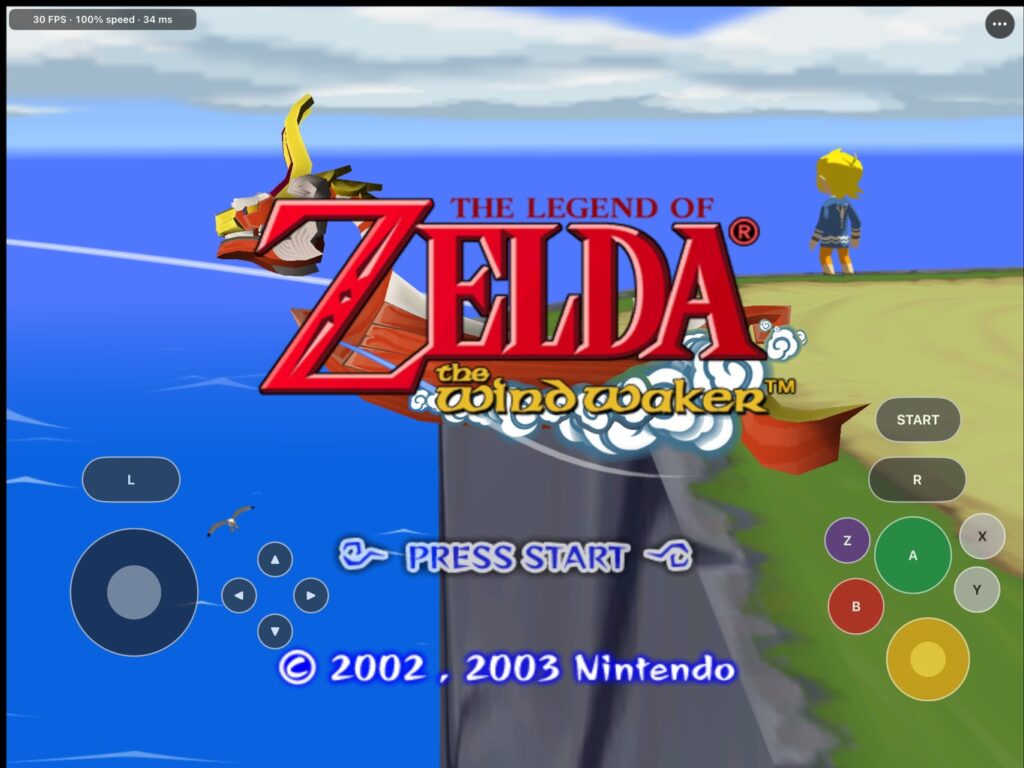
The project is maintained on GitHub by elliotttate and is a fork of BlueWake. It brings the GameCube adventure to modern hardware with widescreen options, updated controls, and a collection of optional changes for returning players. You’ll need your own compatible copy of the game to get started.
For anyone who remembers spending a little too long sailing between islands, the Swift Sail is likely to be an early stop in the settings menu. Other options include faster text and climbing, quicker doors, and shorter scene transitions. There’s also support for Dolphin-format HD texture packs, which players supply separately.
Keyboard and mouse controls let you steer Link and move the camera with the mouse, while controller users can choose a faster right-stick camera. The display options support 16:9 and 16:10 widescreen alongside the original 4:3 presentation. Most additions can be toggled, leaving room to keep the adventure closer to the GameCube experience.
What the 60 and 120 FPS Options Actually Do
The frame-rate settings need a little explanation. Smooth Motion draws intermediate frames to display the game at 60 or 120 FPS while the underlying gameplay continues at its original 30 FPS.
Windows also has a separate, experimental 60 Hz gameplay mode. That changes how often the game itself updates, and the documentation says work on movement, cutscenes, and timers is still ongoing. It’s worth checking which setting you’re enabling before expecting a fully converted 60 FPS adventure.
Recent releases add a couple of more unusual tools. Save states let you return to a specific moment, while an optional wall-climbing feature gives Link a stamina meter and lets him climb surfaces beyond his usual ivy-covered routes. That could make a familiar island worth poking around again.
The latest Windows release, version 0.2.2, addresses a crash when switching to fullscreen. The same release page includes the 0.2.0 Mac build.
How to Download Wind Waker Recomp
The downloads are available through the Wind Waker Recomp releases page.
Windows users need Windows 10 or 11, a processor with AVX2 support, and a Direct3D 12-compatible graphics card. The Mac build requires an Apple Silicon machine running macOS 15 or later.
Both versions require your own GameCube USA disc image, GZLE01 revision 0. No game data is included with the download.
This is still a developing fan project. The README notes that later dungeons and boss fights remain largely untested, so there’s good reason to expect rough edges beyond the opening islands.
Still, the Swift Sail and mouse camera alone give longtime players something to try on their next trip from Outset Island. Anyone interested in taking that trip can find the downloads and setup details on the project’s GitHub page.