




















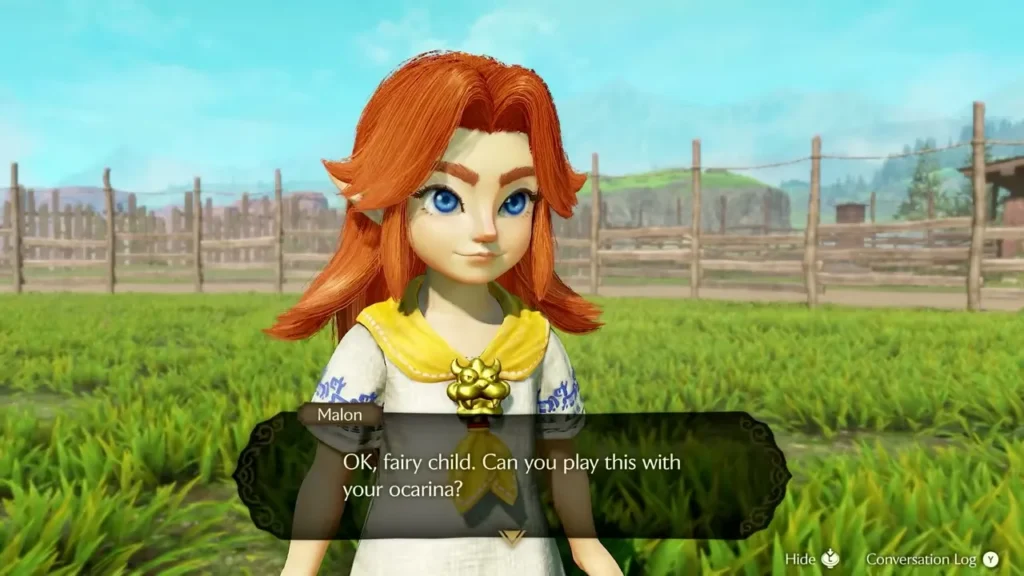
Nintendo says the bug could prevent players from progressing through the event. Installing the update should let players continue even if they had already run into the problem. The patch also fixes several other issues to improve the gameplay experience, though Nintendo’s notes don’t specify what those fixes address.
The update follows version 1.1.1, released on November 4, which added support for ZELDA NOTES and addressed other gameplay issues.
To install version 1.1.2, connect your Switch 2 to the internet, highlight Ocarina of Time on the HOME Menu, press the + or – button, then select Software Update and Over the Internet. Nintendo says the update is required to use the game’s internet features.
